Worksheets#
Worksheets are Jupyter notebooks created from templates and tasks. They consist of a Jupyter notebook and a directory with all relevant files from the tasks. The path to the data and image files from the tasks will automatically be updated in the generated worksheet. Duplicate files will be copied only once. Files with the same name but different content will be renamed.
Create a Worksheet#
To create a new worksheet you first need to create a new assignment. Head over to the assignments tab of e2xauthoring or the formgrader to create it. Then add a worksheet via the Add Worksheet button.
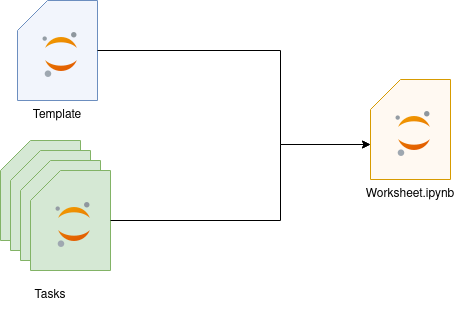
Simplified process of creating a worksheet#
Choosing a Template#
In the first step you are prompted to choose a template. You can continue without a template. When choosing a template that contains template variables, you can fill the values here.

A template with the variables assignment_number and due_date.#
Selecting the Tasks for the Worksheet#
Next you add tasks via the Add Tasks button. Here you can search for the tasks you want to use and select them.
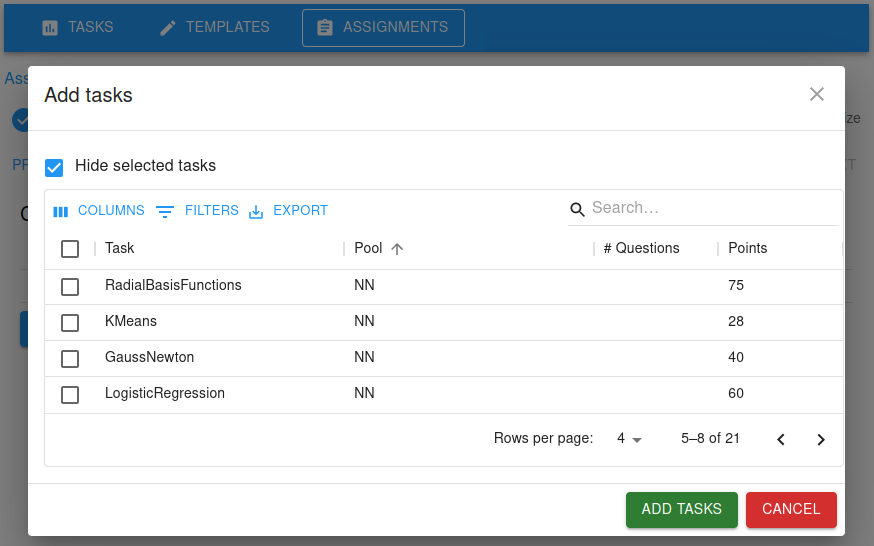
Selecting the tasks for the worksheet#
After selecting the tasks you can choose the order in which they will appear in the worksheet.
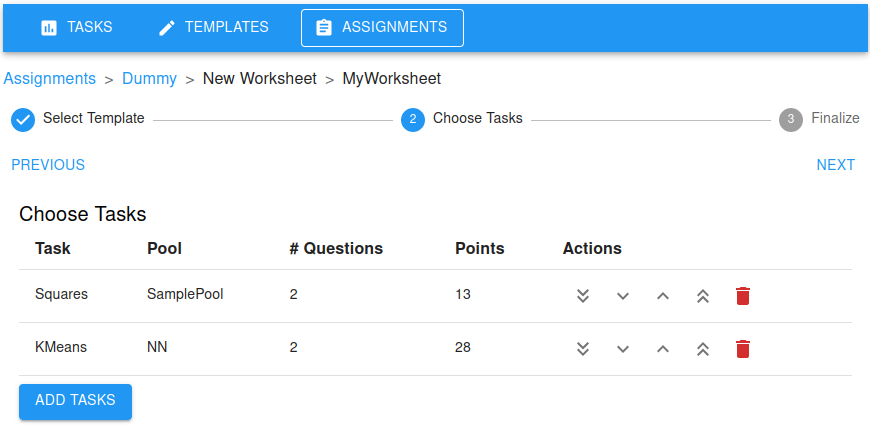
Selected tasks#
Choosing the Worksheet Options#
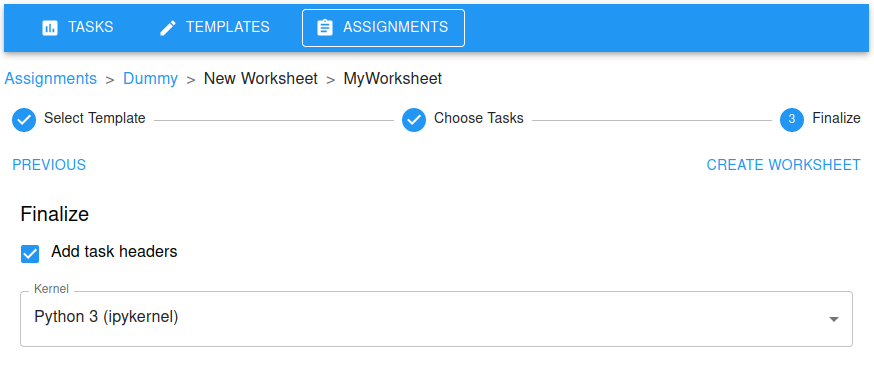
Choosing the worksheet options#
In the final step you can select the kernel of the generated worksheet as well as other options: The Add task headers option will insert a cell before each question that has the running task number and the amount of points the question is worth.
Generating the Worksheet#
Finally you can create the worksheet via the Create Worksheet button. You will be redirected to the generated worksheet Jupyter notebook. Make sure all paths to files in the Jupyter notebook are correct.
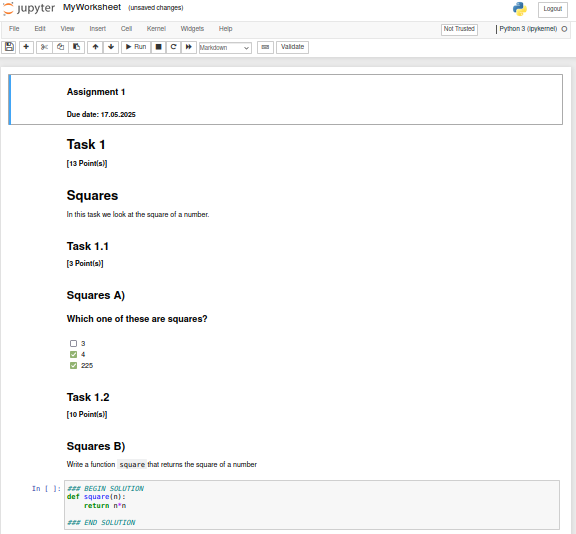
The generated worksheet#
All you have to do now is to generate a student version of the assignment via the nbgrader formgrader and you can release the assignment to students.